
Diagnosing tail wag, drift and bobbing: a flight-controller primer
Three symptoms, ten possible causes, one diagnosis tree. How to read what your helicopter is telling you and fix the underlying setting.
- Section
- Guides
- Published
- 2026-05-07
- Read time
- 8 min
Modern flybarless flight controllers do an extraordinary amount of work to keep an RC helicopter stable. When they get something wrong, the helicopter tells you in the form of three classic symptoms: tail wag, drift, and bobbing. Each has a different mechanical and electronic cause. This guide walks through the diagnosis tree.
The three symptoms, defined
Tail wag — the tail boom oscillates left and right at hover or in forward flight. Often called "tail wagging the dog". The helicopter does not yaw uncontrollably, but the tail visibly hunts back and forth.
Drift — the helicopter does not hold position at hover. It slides slowly in one direction (usually forward or sideways) and requires constant cyclic correction. In stronger wind it becomes uncontrollable.
Bobbing — the helicopter rises and falls slightly at hover, in a regular oscillation. Cyclic response feels mushy and altitude is hard to hold.
If your helicopter is doing none of these and just flies poorly, the issue is probably curves (see the pitch and throttle curves guide) or tracking (see the blade tracking guide) rather than the flight controller.
Tail wag: the diagnosis tree
Tail wag is almost always a flight-controller gain issue. The tail gain is the parameter that controls how aggressively the flight controller corrects yaw deviation. Too high and the controller overshoots — the tail moves past where it should be, the controller corrects too hard the other way, and the result is oscillation.
Diagnosis steps:
- Reduce tail gain by 10%. On most flight controllers this is in the tail menu, sometimes labelled "Heading Hold Gain". Default is often 50%. Reduce to 45% and re-test
- If wag persists, reduce by another 10%. Keep reducing until wag disappears
- If wag does not improve at any gain setting, the issue is mechanical not electronic. Move to mechanical diagnosis
Mechanical causes of tail wag (when gain adjustment does not fix it):
- Loose tail rotor pitch slider — play in the slider lets the tail rotor pitch oscillate independent of servo input
- Bent tail rotor shaft — common after a hard landing. The shaft itself runs eccentrically and induces vibration
- Damaged tail belt or tail boom — both transmit vibration into the rotor
- Tail rotor blades not balanced — replace as a pair, check for any nick or burr
The fix order: tighten any visible mechanical play first, check shaft straightness, replace components if needed, then re-tune gain.
Drift: the diagnosis tree
Drift is almost always a swashplate or cyclic trim issue. The flight controller is doing its job of holding what it thinks is level; what it thinks is level is not actually level.
Diagnosis steps:
- Confirm the swashplate is mechanically level. With collective at hover position (about 50% stick), the swashplate should be parallel to the main bearing block. If it is tilted, the cyclic linkages are not equal length
- Run the flight controller's calibration procedure. Most modern flight controllers (MicroBeast, Brain 2, Spirit Pro, L7) have a "level" or "initialise" procedure. The helicopter must be on a perfectly flat surface during this. Mis-calibration is a very common cause of drift
- Check cyclic servo neutral. With sticks centred, the cyclic servos should be at exactly 90° of travel. If one is slightly off, the swashplate will be slightly tilted in a direction the controller cannot fully compensate for
- Confirm the helicopter level on the ground before calibration. A spirit level on the frame is the fastest way to verify. If you calibrate the FC while the helicopter is sitting on a sloped surface, the controller will hold that slope as "level" forever
If the drift is consistent in one direction and small (less than 1m drift over 10 seconds at hover), recalibration usually fixes it. If the drift is large or variable, the issue is mechanical and you need to check the cyclic linkage equality.
Bobbing: the diagnosis tree
Bobbing is the most varied of the three symptoms because the causes can be in the rotor head, the flight controller, or the curve setup.
Diagnosis steps:
- Check tracking. Off-tracking blades cause vibration that the flight controller interprets as altitude change and tries to compensate for. See tracking RC helicopter blades
- Reduce cyclic gain on the flight controller. Same principle as tail gain — too aggressive cyclic correction causes overshoot. Reduce by 10% and re-test
- Check pitch curve for sharpness. A very steep pitch curve near the hover point makes the controller hypersensitive to tiny stick movements
- Check for damaged dampers in the rotor head. The rubber dampers that allow the blades to flap should be intact, not cracked or compressed. Replace as a set
- Confirm headspeed is high enough. Bobbing is more common at low headspeed because each blade has less lift authority. Increase headspeed by 5–10% and re-test
- Check the swashplate for binding. The swashplate should move smoothly through its full travel with no point of resistance. Binding causes the controller to overcorrect
The most common cause of bobbing on a new helicopter is the rotor head dampers being too stiff (factory-fresh dampers are firm and break in after 10–20 flights). The most common cause on an older helicopter is dampers being too soft (cracked or compressed). Replace dampers if either symptom is present.
When the FC itself is the problem
Rarely — but it happens — the flight controller hardware is the issue. Symptoms include:
- The helicopter behaves differently between flights without configuration changes
- The flight controller reports erratic gyro values in its app
- The helicopter is unstable in a way that does not respond to any tuning
If you suspect the FC, the test is to swap it for a known-good unit. Most clubs have someone with a spare MicroBeast or Spirit Pro you can borrow for an afternoon. If the symptoms disappear, replace the FC.
A note on firmware
Every modern flight controller receives periodic firmware updates from its manufacturer. These updates often improve tail authority, cyclic response, and self-levelling stability. Updating the FC firmware is almost always positive.
Process:
- Connect the FC to a computer or phone via the manufacturer's software/app (cable for older units, Bluetooth for newer)
- Back up your current configuration before updating
- Apply the latest firmware
- Restore your configuration or re-tune from the new defaults
- Re-calibrate the FC after the update
A surprising number of "the helicopter has always been a bit twitchy" issues disappear after a firmware update. Check yours.
The diagnostic process in summary
For tail wag: reduce tail gain, then check mechanical causes.
For drift: re-calibrate the FC on a level surface, then check cyclic linkages.
For bobbing: check blade tracking, reduce cyclic gain, check rotor head dampers.
For any of them: try a firmware update before deciding the FC is dead.
The flight controller is the most sophisticated piece of equipment on the helicopter. When it is doing its job correctly, you do not notice it. When it is misconfigured, every flight feels wrong. Fifteen minutes of methodical diagnosis at the bench saves the £200 cost of replacing an FC that did not actually need replacing.
Kit to build what you just read
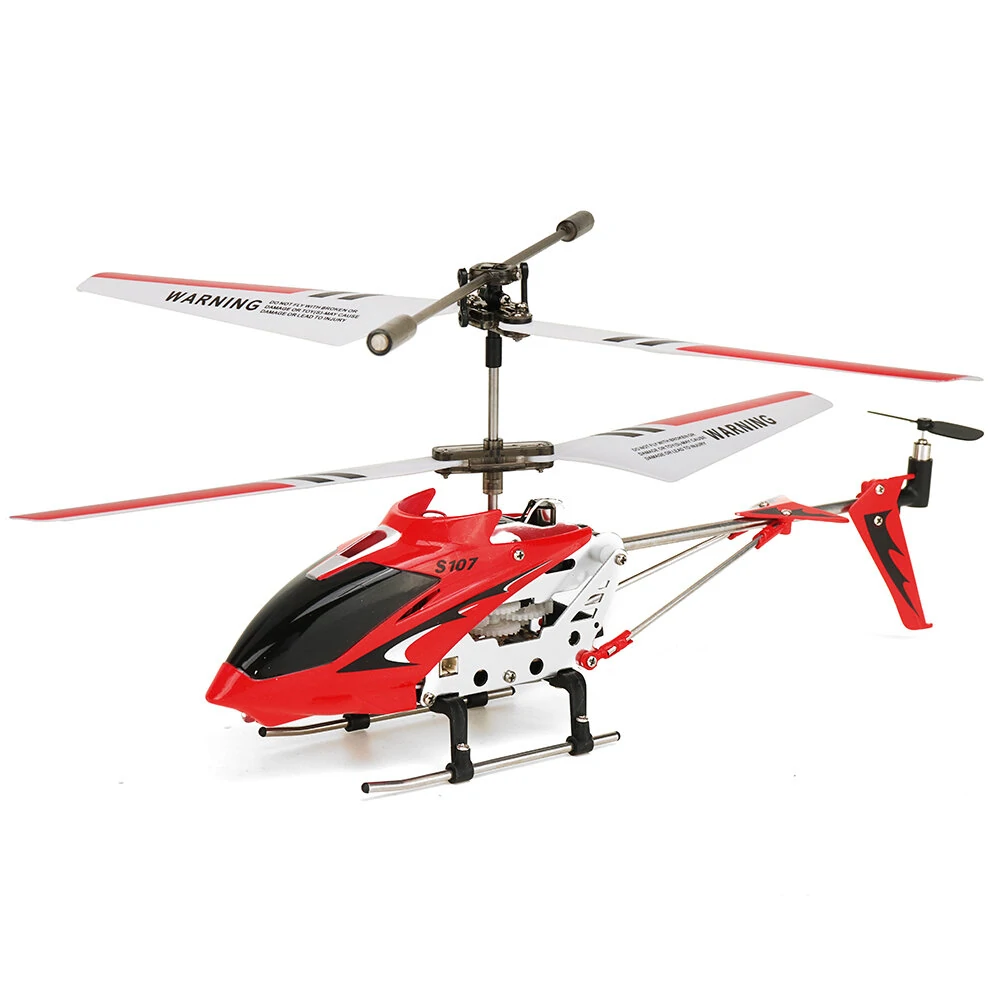
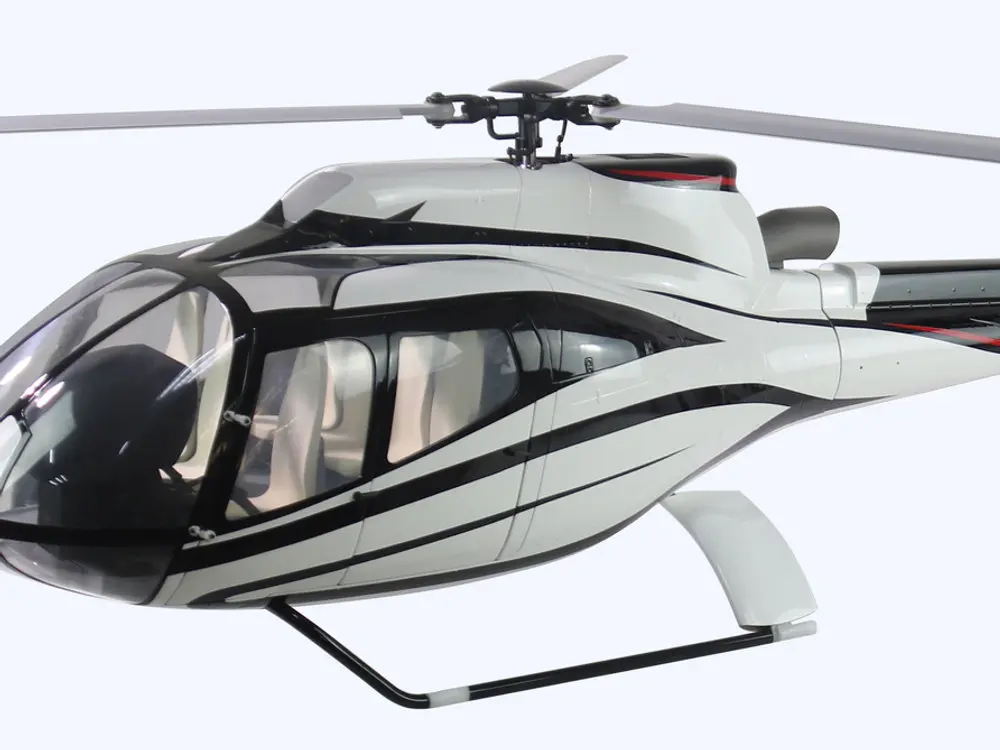
More guides
RC helicopter gyros and governors explained
Two systems keep a helicopter pointing straight and spinning at a constant speed: the tail gyro and the governor. Here's what each does, and how to spot when one needs adjusting.
7 min readThe RC helicopter swashplate explained: CCPM, collective and cyclic
The swashplate is how your control inputs reach the spinning blades. Understand collective, cyclic and CCPM mixing and the whole helicopter suddenly makes sense.
7 min readFlybarless (FBL) systems explained: what they do and why every modern heli has one
The spinning paddles are gone. Modern RC helicopters use an electronic flybarless unit instead — a three-axis gyro brain that makes them steadier, more precise and lower-maintenance. Here's how it works.
8 min read